How QR Code Certificate Verification Works with CertLedger
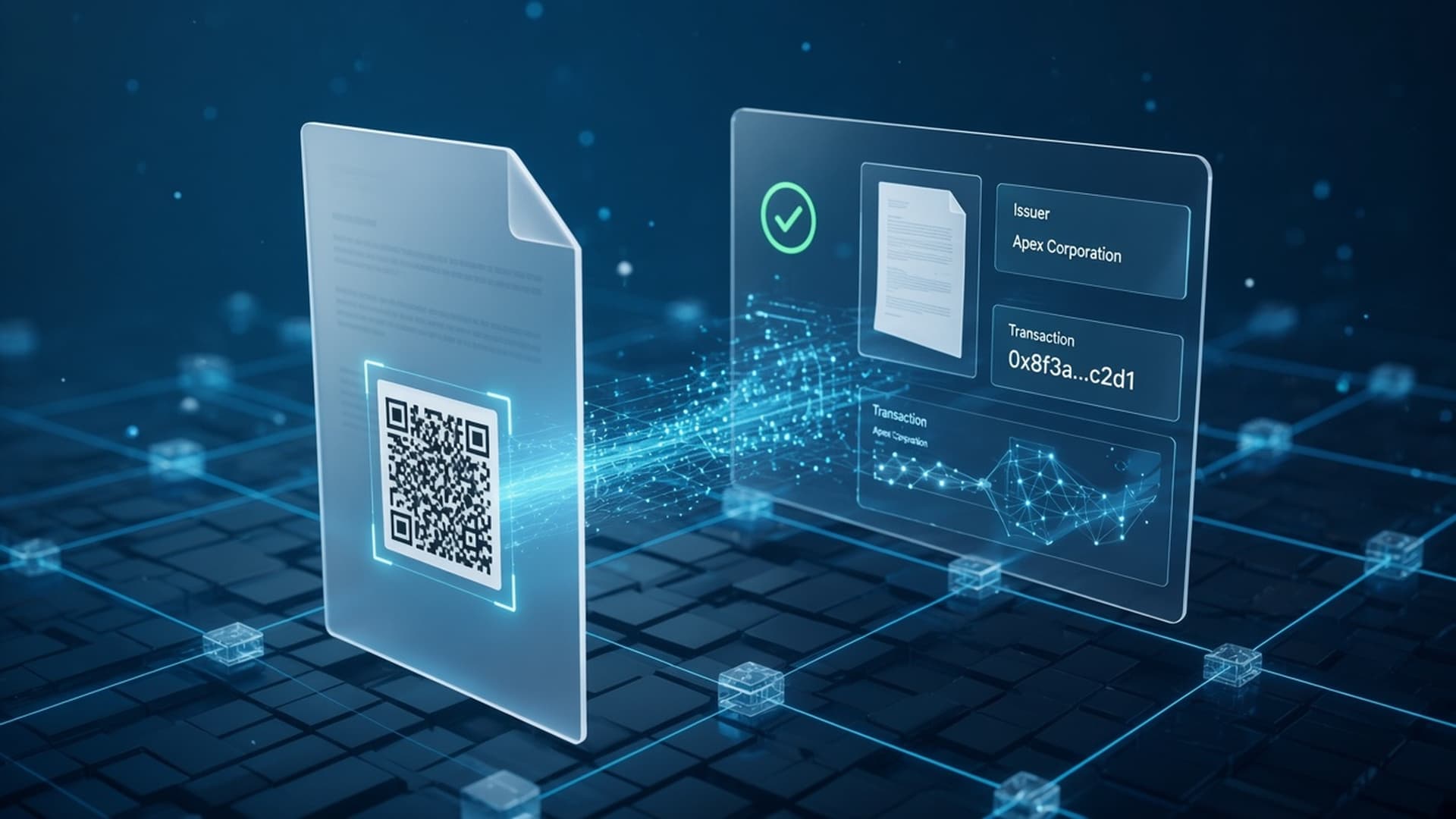
QR code certificate verification with CertLedger starts when a scan opens the certificate’s public verification page. The page shows the artwork, selected certificate details, issuer information, and an associated OneChain transaction hash. From there, a verifier can follow the explorer link to inspect the blockchain transaction. The public page requires no CertLedger account, so recipients, employers, customers, and other reviewers can access it directly.
Issuers enable this connection by including a QR code placeholder in their certificate design. CertLedger generates a code for each certificate that points to its public URL. Whether the document is shared digitally or printed, the code provides a route to the online record. Certificate holders can also share the URL directly when a link is more convenient than scanning.
After scanning, compare the displayed certificate with the document being presented. Check the recipient, certificate title, certificate ID, and issuer, along with any published issue or expiration dates. Where an applicable expiration date has passed, the page displays a warning. If the record cannot be found or its status needs clarification, contact the issuer before relying on the credential.
For blockchain certificate verification, select “View on explorer” beside the transaction hash to inspect the associated transaction on the OneChain explorer. The scan opens a web page rather than checking the blockchain directly from the phone. Reviewers can also copy the public share link or print a verification report with the certificate image pages to retain a reference to their check.
CertLedger presents the issued record and its linked transaction; the issuer remains responsible for claims such as course completion or product authenticity. Blockchain registration does not automatically prove those claims. Confirmed blockchain data cannot be altered or removed by CertLedger, but a historical transaction does not guarantee current certificate validity. Revoked records are excluded from the platform’s public lookup, even though a historical transaction may remain on the explorer.
For issuing organizations, digital certificate verification gives people a consistent place to review information after delivery. A training provider, for example, could include QR codes on completion certificates so employers can inspect the published records. The issuer can direct routine checks to the public page while remaining the point of contact for questions about the qualification or its supporting evidence.
For certificate holders, a link or a document with a QR code makes the verification route easy to share. Third-party reviewers can examine the published details and transaction reference without entering the issuer’s internal system. This connects the people who issue, hold, and assess a credential through the same public record, whether it is presented on screen or on paper.
Contact the CertLedger team or explore issuer signup to see how QR verification could fit your certificates. Start with the information your recipients and reviewers need to check, and build that verification route into your certificate design.
Source: CertLedger